


Build internal project hubs, team sites, and public-facing websites.
Get Sites: Web (sites.google.com)
1. From Sites, click  , or, to choose a template, click Template gallery and select a template.
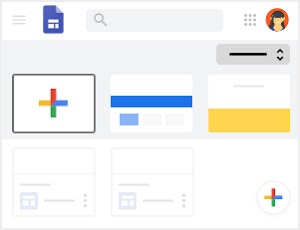
2. Customize your site and home page.

3. Add pages and navigation.

4. Add content to pages.

5. Share, preview, or publish your site.


Preview—See how your site will look on any device once it's live.

Copy link—Copy published site link.

Share—Share your site with your team to collaborate.
Publish
Set your site's complete URL and who can see the site, then make it live.
Build internal project hubs, team sites, and public-facing websites.
Get Sites: Web (sites.google.com)
|
1. From Sites, click , or, to choose a template, click Template gallery and select a template.
2. Customize your site and home page.
3. Add pages and navigation.
4. Add content to pages.
5. Share, preview, or publish your site.
|
Preview—See how your site will look on any device once it's live. |
| Copy link—Copy published site link. | |
| Share—Share your site with your team to collaborate. | |
| Publish | Set your site's complete URL and who can see the site, then make it live. |